
You’ve built a beautiful website. The design is sleek, the colors are on-brand, and the products are ready. But when you check your analytics, the traffic is silent. Why? Because Google doesn’t “see” your website the way humans do. Google reads code, structure, and relevance.
This is where On-Page SEO comes in.
At AV Consulting, we often tell our clients: “Off-page SEO (backlinks) is the fuel, but On-Page SEO is the engine.” If your engine is broken, the best fuel in the world won’t make the car go.
This guide covers everything you need to know to transform your website from a digital brochure into a lead generating machine.
On-page optimization is a critical component of any successful SEO strategy requiring expert attention. If you are a business owner looking to leverage these services, we highly recommend reading our What is SEO article to understand the fundamentals first.
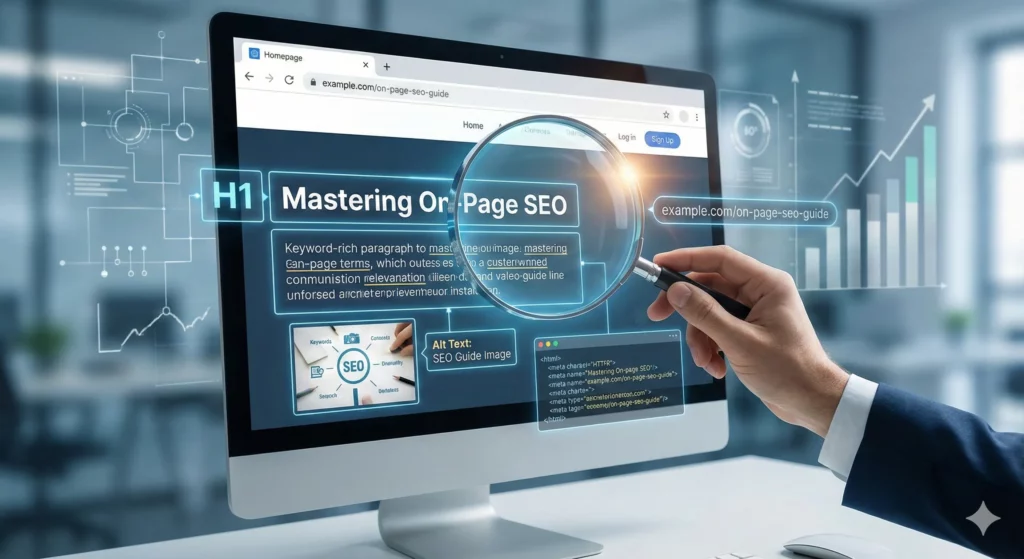
What exactly is On-Page SEO?
On-Page SEO (also known as on-site SEO) is the practice of optimizing elements inside your website to improve your search engine rankings and earn more relevant traffic.
Unlike Off-Page SEO (which refers to links from other sites) or Technical SEO (server configurations), On-Page SEO is entirely within your control. It involves optimizing both the content and the HTML source code of a page.
Why Is It Crucial for Your Business?
Google updates its algorithm thousands of times a year, but the goal remains the same: To give the searcher the best possible result.
If your On-Page SEO is weak, Google cannot understand what your business does. If Google doesn’t understand you, it won’t rank you. It is that simple.
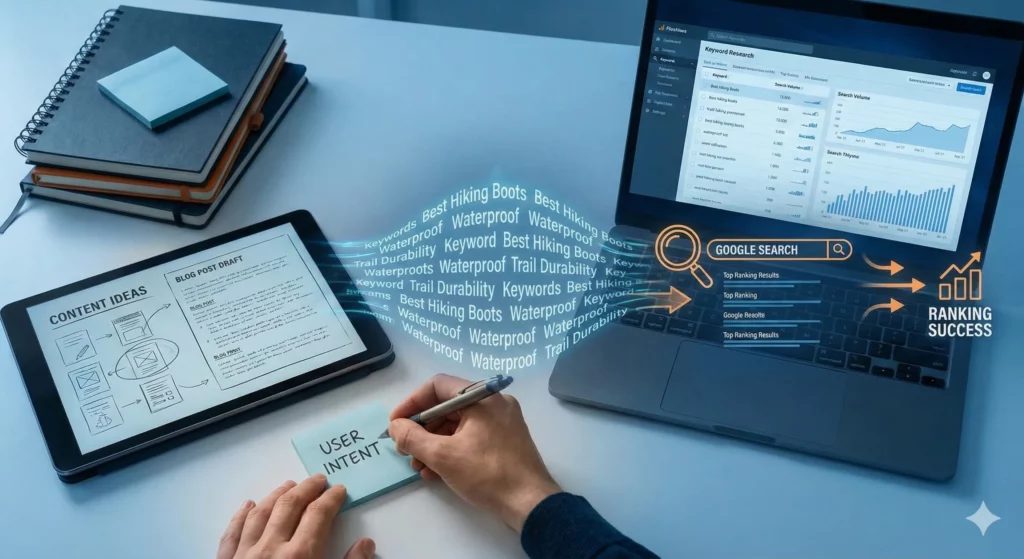
Content & Keyword Strategy
Content is the foundation. But “writing content” isn’t enough; you must write for the user intent.
Finding the "Right" Keywords
Old school SEO was about stuffing the word “Plumber in Auckland” 50 times on a page. Today, that gets you penalized.
- Primary Keyword: The main topic (e.g., “Best Hiking Boots”).
- LSI Keywords (Latent Semantic Indexing): Related terms that provide context (e.g., “waterproof,” “ankle support,” “trail durability”).
Understanding Search Intent
Before writing, ask: What does the user want?
- Informational: They want to learn (“What is SEO?”).
- Transactional: They want to buy (“Buy SEO services NZ”).
- Navigational: They want a specific site (“AV Consulting login”).
Expert Tip: Google your keyword before you write. If the top 10 results are “How-To” guides, don’t write a sales page. Google has already decided that users searching for that term want to learn, not buy.
HTML & The Code That Matters
You don’t need to be a developer to master this, but you do need to understand the “tags” Google reads.
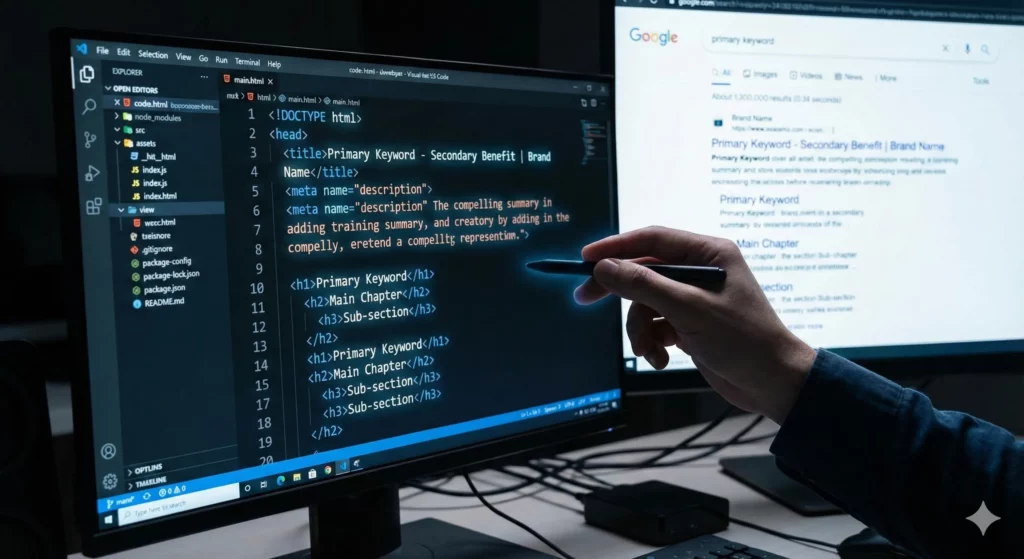
The Title Tag (H1)
This is the headline shown in search results. It is the single most important on-page ranking factor.
Best Practice: Keep it under 60 characters so it doesn’t get cut off.
Format: Primary Keyword – Secondary Benefit | Brand Name
The Meta Description
This is the short paragraph under the title in Google results.
Does it affect ranking? Not directly. However, a good description increases your CTR (Click-Through Rate). If more people click your link, Google notices and may rank you higher.
Header Tags (H1, H2, H3)
Think of these as the outline of your book.
H1: The Title (Only use one per page!).
H2: The Main Chapters.
H3: The Sub-sections. Proper hierarchy helps Google bots scan your content faster.
Architecture & User Experience (UX)
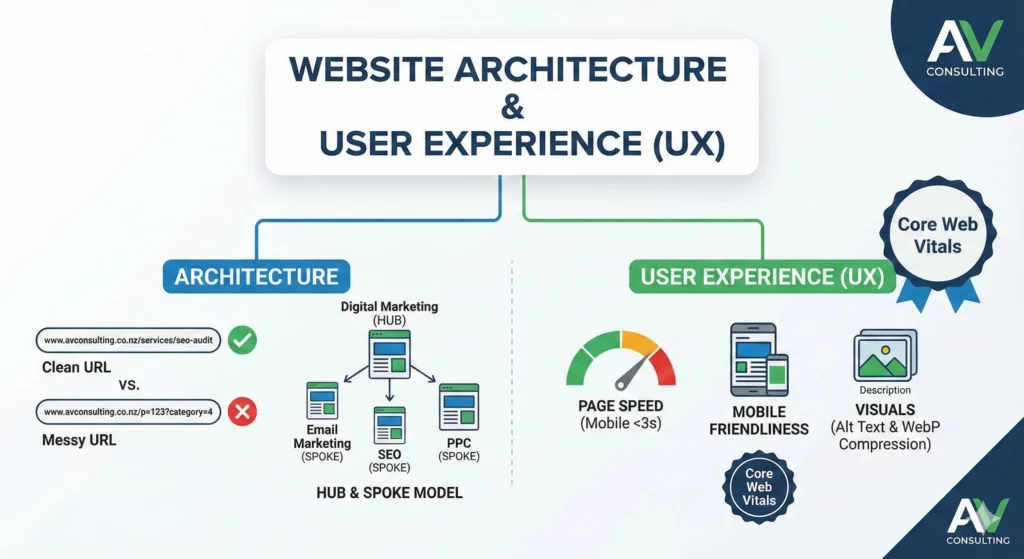
Google’s “Core Web Vitals” update made user experience a ranking factor. If users leave your site because it’s annoying, your rankings will drop.
URL Structure
Bad: www.avconsulting.co.nz/p=123?category=4
Good: www.avconsulting.co.nz/services/seo-audit Keep URLs short, readable, and keyword-rich.
Internal Linking
This is often overlooked. You should link your own pages to each other.
The Hub & Spoke Model: Create a main page (Hub) about “Digital Marketing” and link it to smaller blog posts (Spokes) about “Email Marketing,” “SEO,” and “PPC.” This helps Google crawl your site and understand the relationship between topics.
Page Speed & Mobile Friendliness
over 60% of searches happen on mobile devices. If your site isn’t responsive or takes more than 3 seconds to load, you are losing approximately 40% of your visitors immediately (Bounce Rate).
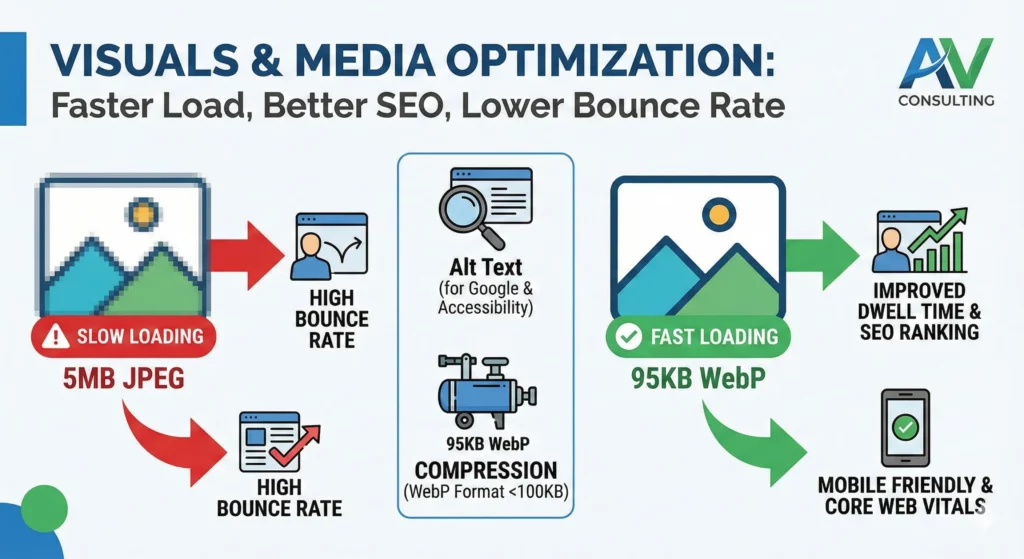
Visuals & Media Optimization
A wall of text is boring. Images and videos keep users on the page longer (Dwell Time), which signals to Google that your content is valuable.
- Alt Text: Google can’t “see” images. You must describe them using Alt Text. This also helps visually impaired users who use screen readers.
- Compression: Never upload a 5MB image. Use tools to compress images to WebP format (under 100KB) to keep your site fast.
Your On-Page SEO Checklist
Before you publish your next page, run it through the AV Consulting Quality Check:
Element | Check |
Keyword in Title? | Yes / No |
Keyword in first 100 words? | Yes / No |
Short, descriptive URL? | Yes / No |
Images have Alt Text? | Yes / No |
Internal links added? | Yes / No |
Mobile-friendly check passed? | Yes / No |
Conclusion: Is Your Site Working For You?
On-Page SEO is not a “set it and forget it” task. It requires constant monitoring and tweaking. But the results sustainable, free traffic are worth the effort.
Don’t have time to audit your H1s and Meta Tags? At AV Consulting, we specialize in technical and on-page audits for New Zealand businesses. Let us look under the hood of your website.
Take Your Rankings to the Next Level
You have tuned the engine, now it’s time to win the race. On-Page optimization is essential, but it is just one of the tasks we perform to ensure your website succeeds. From technical audits to authority building, we handle it all. Check out our SEO Services and let’s discuss how we can drive more qualified traffic to your site today.
FAQ about on page seo
How long does it take to see results from On-Page SEO?
Unlike paid ads, SEO is a long-term strategy. For existing pages with good authority, you might see rank improvements within 2–4 weeks after optimizing On-Page elements. For new websites, it typically takes 3–6 months to see significant organic traffic growth as Google trusts your content more.
Can I do On-Page SEO myself, or do I need an expert?
You can certainly handle the basics yourself, such as writing quality content and fixing meta tags. However, advanced On Page SEO like schema markup, core web vitals optimization, and comprehensive site architecture often requires an experienced SEO specialist to ensure you aren’t missing technical opportunities.
Does word count actually affect ranking?
Not directly. Google does not have a “minimum word count” for ranking. However, comprehensive content usually ranks better because it fully answers the user’s question. Instead of focusing on hitting 2,000 words, focus on covering the topic completely. If you can answer the user’s need in 500 words, that is better than 2,000 words of fluff.
What is the difference between On-Page SEO and Technical SEO?
On-Page SEO focuses on the content and elements on a specific page (text, images, meta tags). Technical SEO focuses on the backend health of the entire website (server speed, XML sitemaps, mobile indexing, and crawlability). Both are required for a high ranking site.
How many keywords should I target on one page?
You should focus on one primary keyword per page. However, you can and should support that primary keyword with 3–5 secondary (LSI) keywords. Trying to rank one page for 10 different unrelated topics is “keyword stuffing” and confuses search engines.


